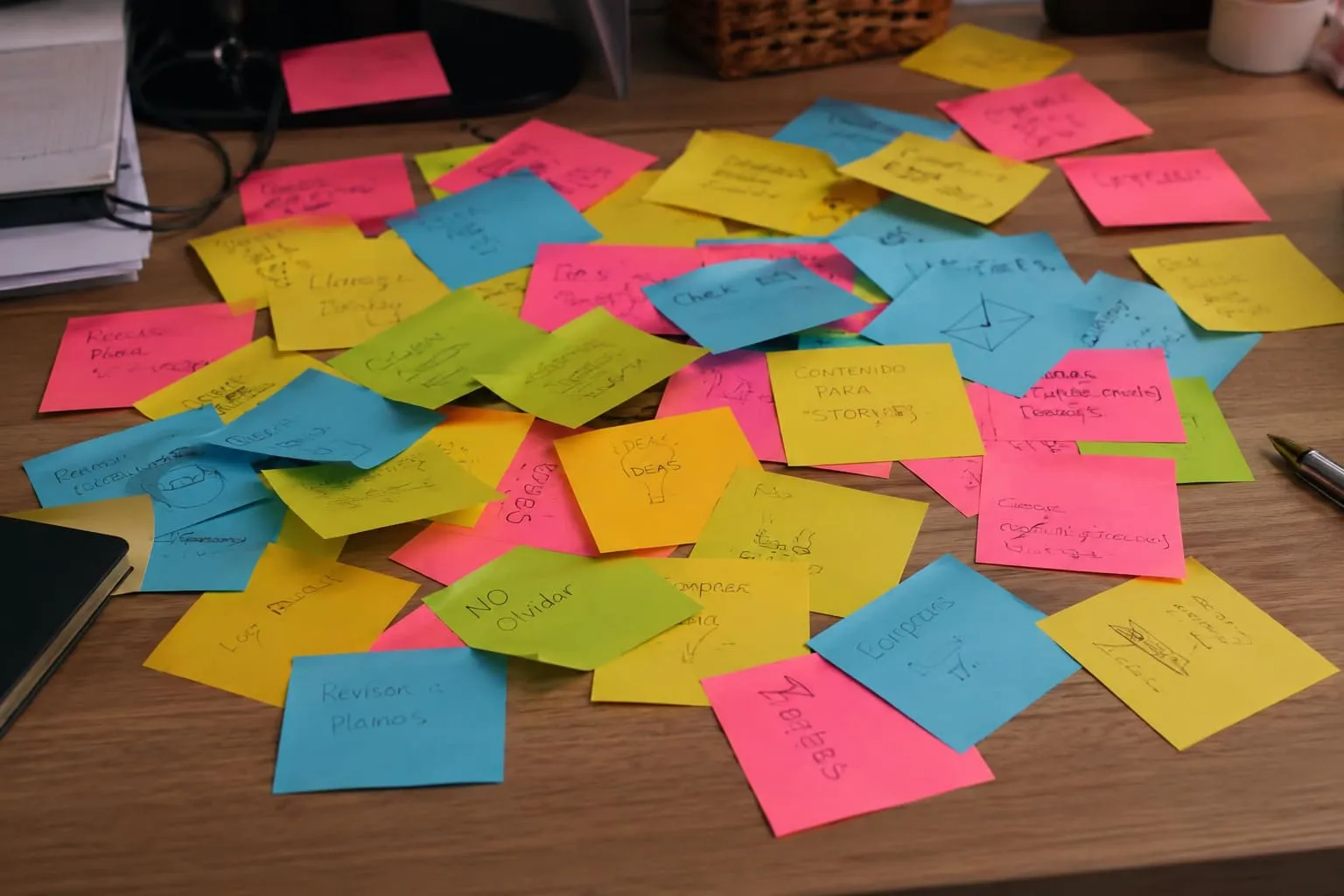
I built a productivity app and still kept Notion open every day.
Not for projects. Not for tasks. For one dumb, stubborn use case: reference notes. Bank accounts per business entity. Supplier details. The stuff you don't work on, you just need to find in 10 seconds.
Every time I opened Notion for that, it bothered me. My own tool couldn't close the loop on my own day.
So I shipped Quick Notes.
What it is
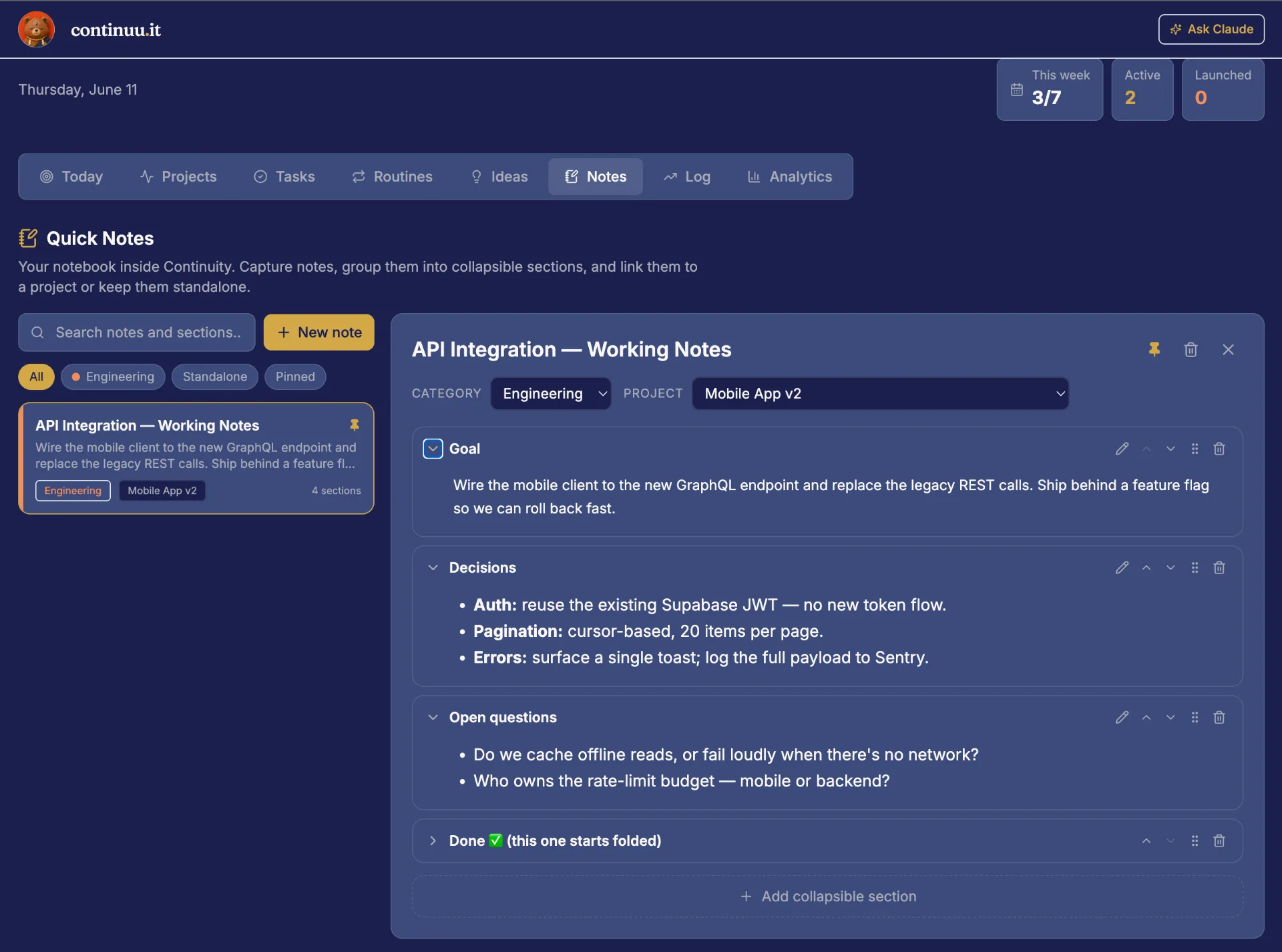
A notebook inside continuu.it. Each note has:
A title, and a pin if you want it on top
One category (the same ones you already use, same colors) or none
A link to a project, or it lives standalone
Collapsible sections, Notion-toggle style, each with a title and a Markdown body
Search digs into section content, not just titles. Drag sections to reorder on web, tap arrows on mobile. Works in English and Spanish, on web and the app.
What it's not
Honest scope, because that's how we build:
No checklists inside sections. Markdown only.
One category per note. No tag soup.
One level of toggles. Sections don't nest sections.
No "promote to project" yet.
If you need a full second brain with databases and backlinks, Notion is still the better tool. No contest.
But if Notion was hanging around your stack for the same reason it hung around mine (a handful of reference notes you check 5 times a week), this closes that gap.
How it fits
You already had Ideas for capturing things you haven't started. You had project notes locked inside each project. Quick Notes sits between them: richer than an idea, freer than a project note.
Free plan includes 50 notes. Pro goes to 1,000. That's not a teaser limit. 50 reference notes is more than most people will ever write.
I deleted my Notion workspace last week. I just didn't open it anymore.
That's the whole point of this app. Fewer open loops, including the ones in your toolbar.
Quick Notes is live now on web and mobile. Open the Notes tab and move your first note over. Start with the one you check most.
Alfredo Founder, continuu.it